

Learning support. Built into Drupal.
Learners need useful answers from a large teaching library; the platform needs to manage access and maintain the knowledge behind them. SDEV built the Drupal-native SonoAssistant, connecting educational questions with 123Sonography’s content, teaching media and existing platform rules.
A working assistant.Across two systems.
SonoAssistant previously ran in an external application, while Drupal managed learners, courses and access. The conversation and the platform’s operating rules were spread across two systems.
SDEV brought the assistant into Drupal so the learning experience could connect directly with course content, media, licences and the team’s existing workflows.
The learning experience. And the operation.
SDEV built the native assistant experience and the knowledge-processing, retrieval and rendering workflows behind it. Learners can ask questions and receive answers supported by educational content and teaching media.
The same implementation connects conversation history, feedback and usage rules with the existing platform, giving the team a shared foundation for operating and improving the assistant.
- Chat, voice input and progressive responses
- Educational knowledge linked to courses and lectures
- Validated illustrations, videos and PDFs
- Authentication, licensing, moderation and editorial re-indexing
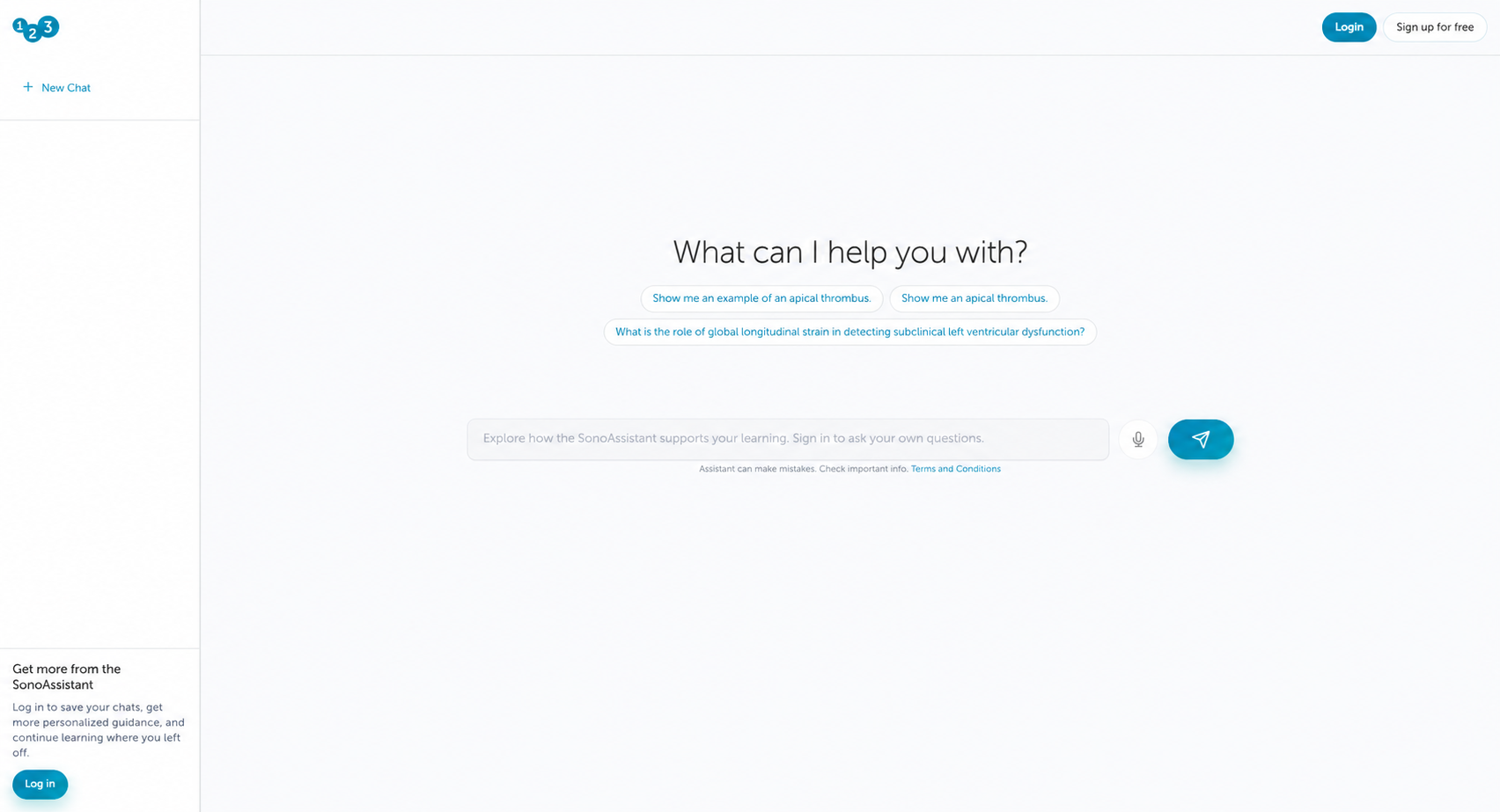
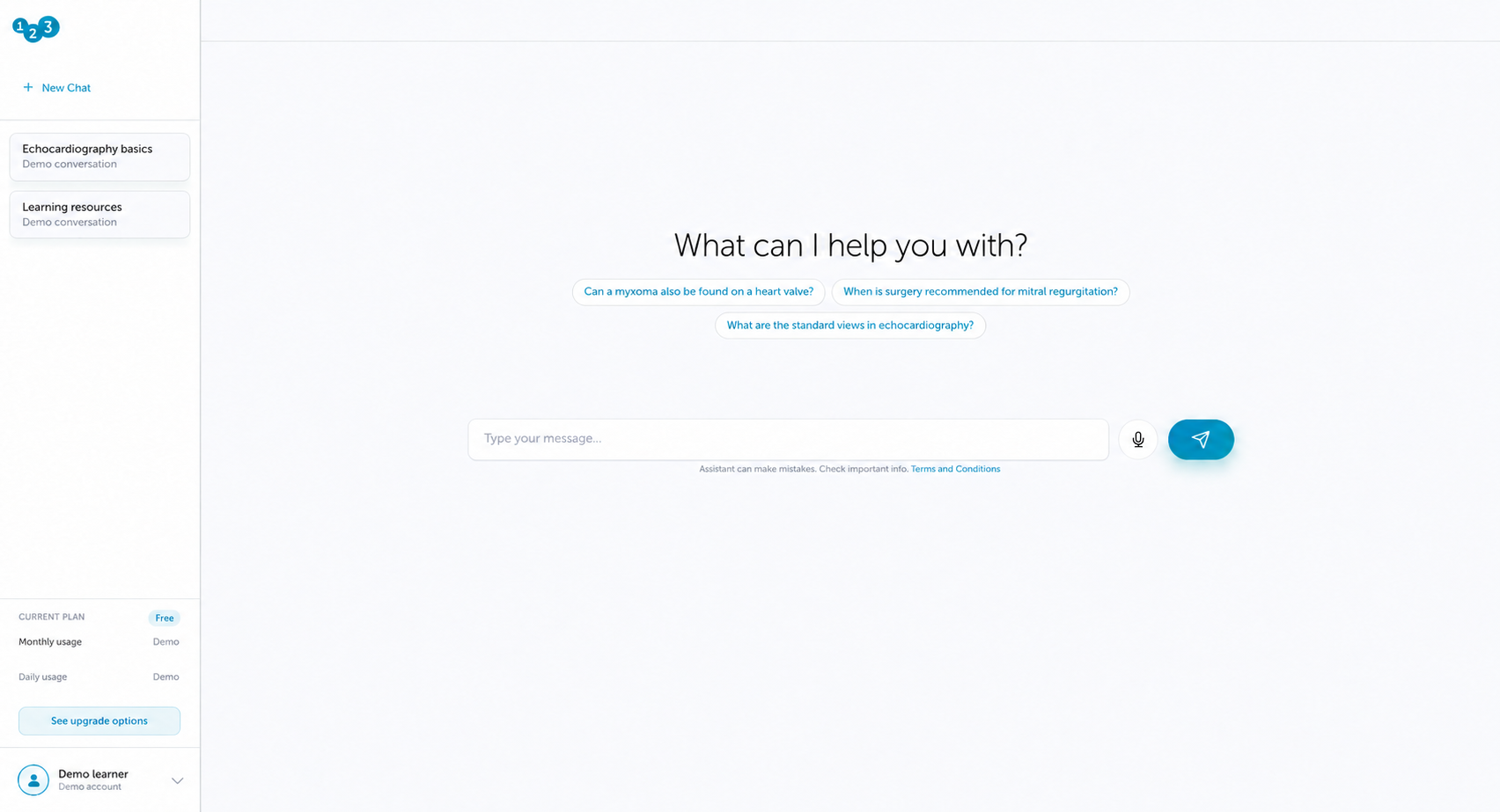
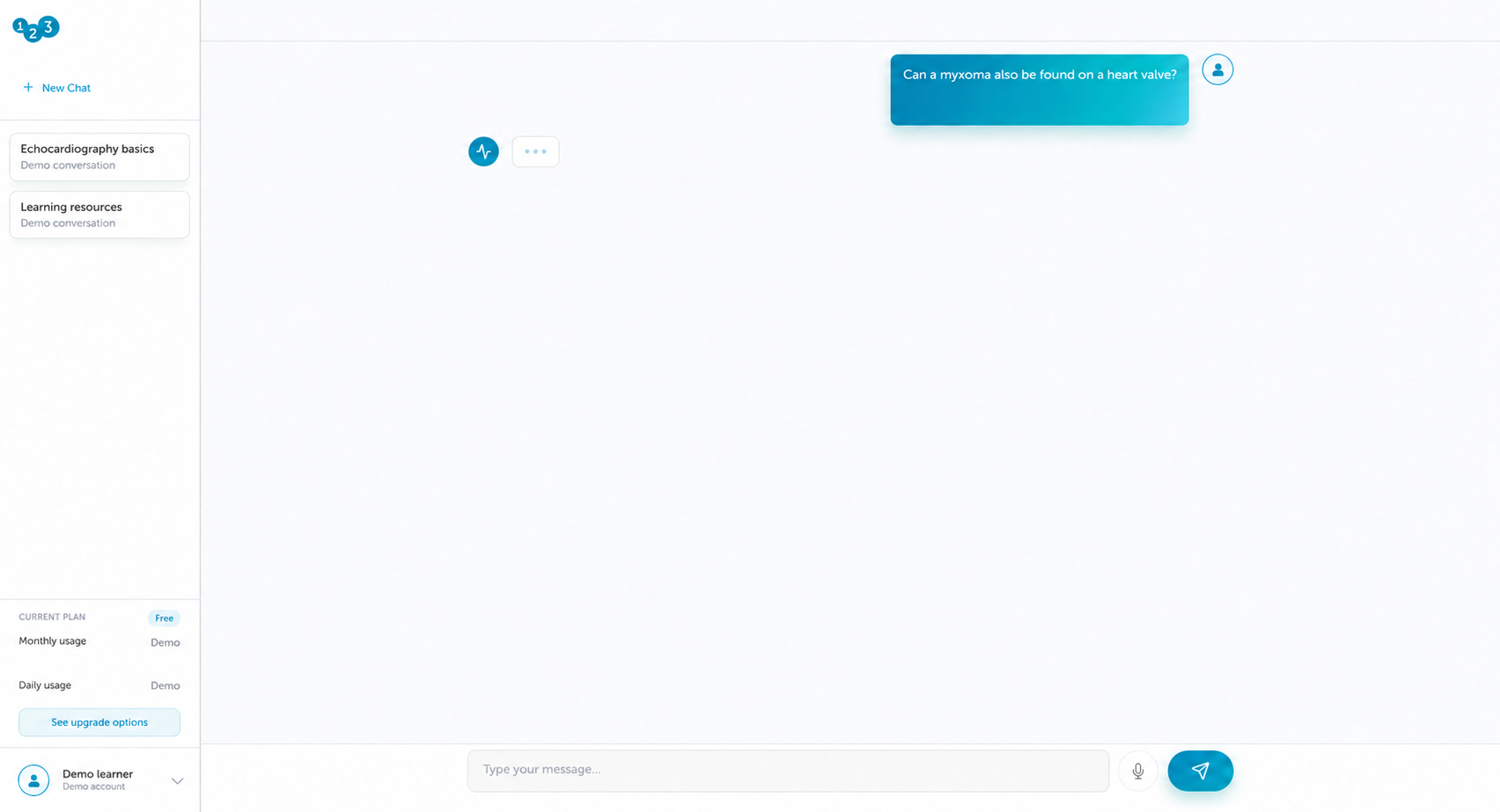
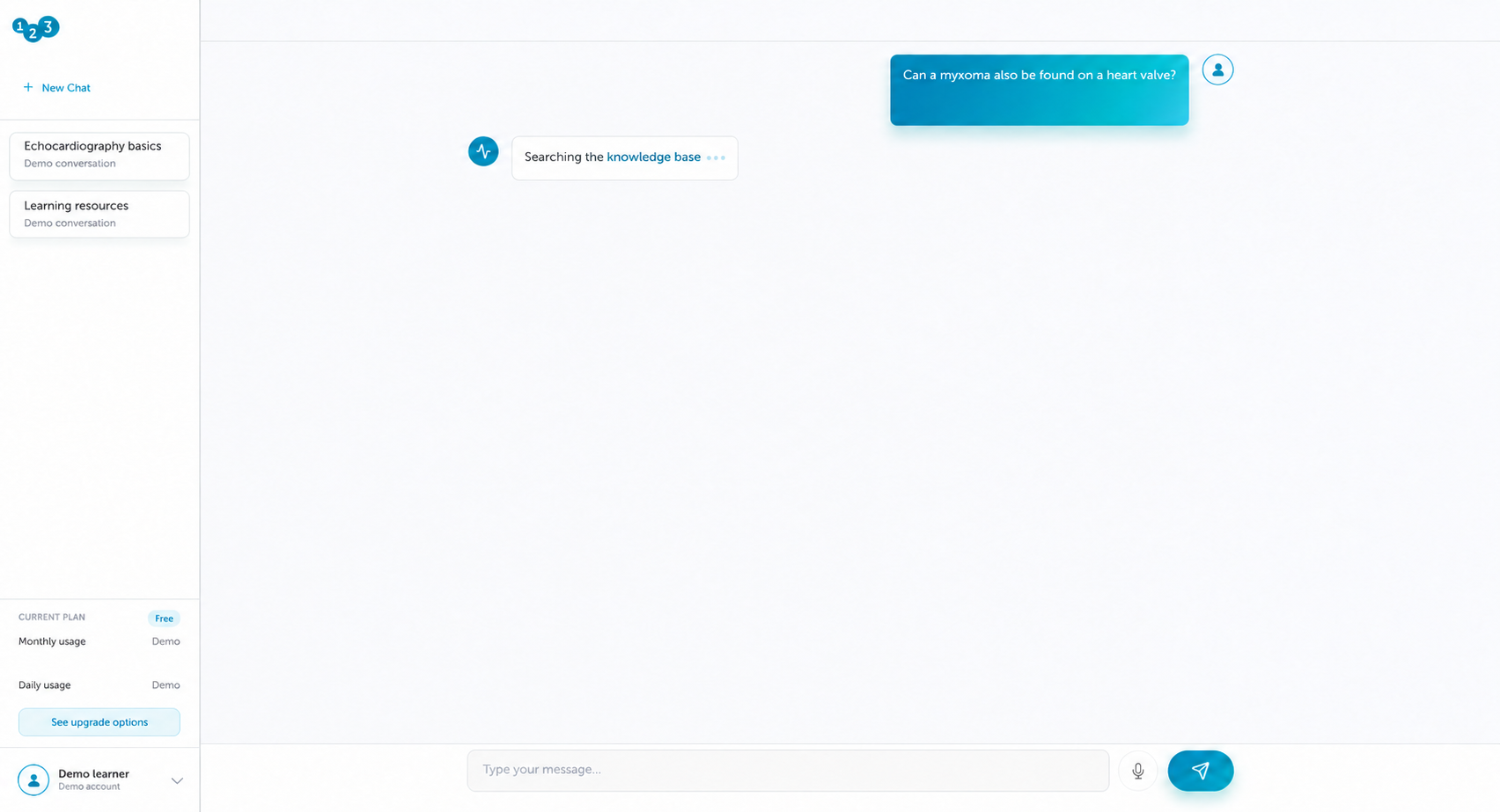
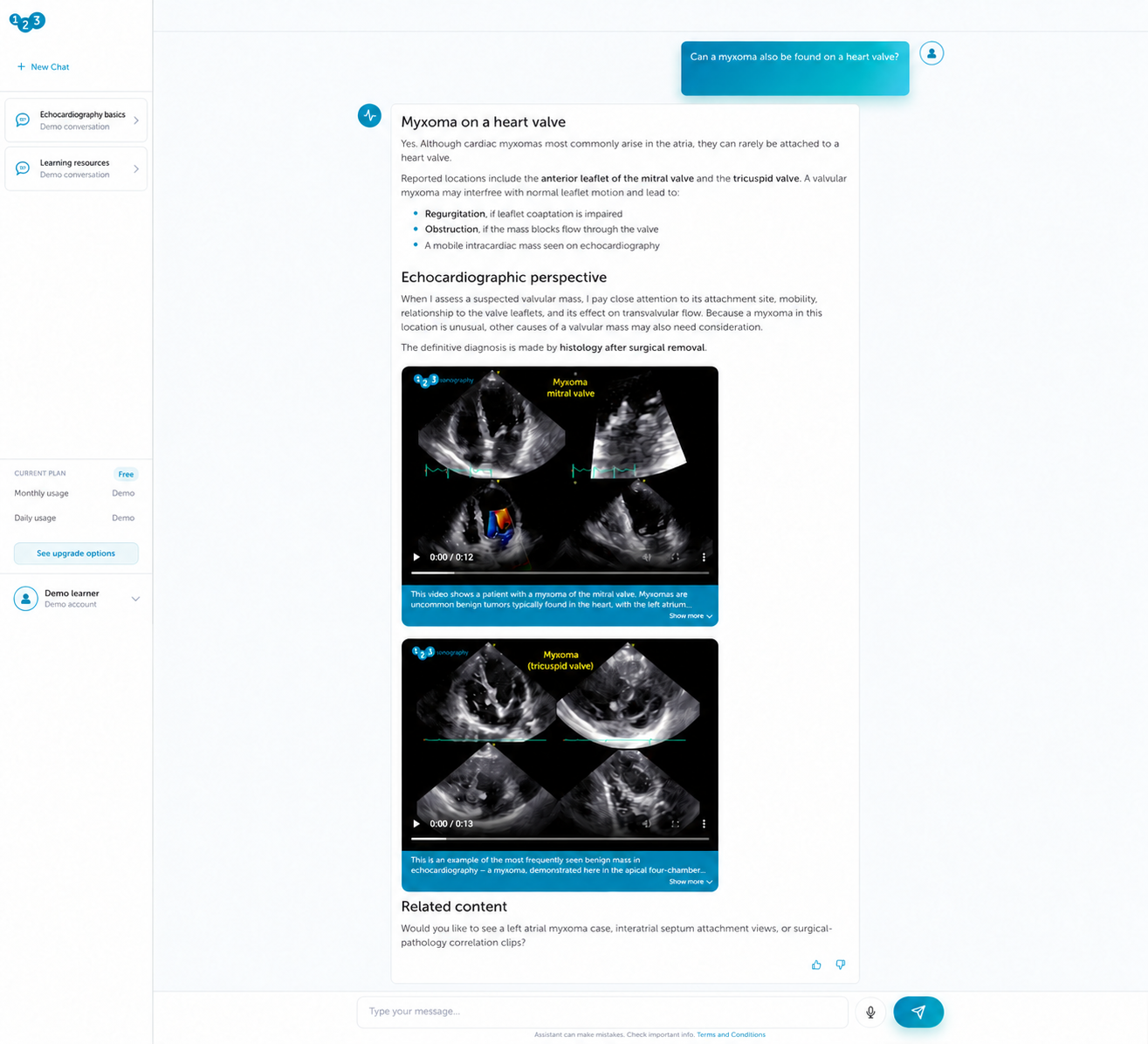
A focused question.A grounded response.
A useful learning response needs relevant content and appropriate media. SDEV connects retrieval with Drupal checks so the assistant can use teaching material from the platform within its access rules.
Check learner access
Drupal applies the learner’s session, terms, access and usage rules before processing the question. Typed and voice input follow the same controls.
Find supporting knowledge
Specialist retrieval tools search educational text and teaching media for material relevant to the question.
Check the media
Selected illustrations, videos and PDFs resolve to real Drupal records, where inclusion and embedding permissions are checked.
Present the answer
The interface combines the response with validated teaching material and shows progress while retrieval runs.
Continue the learning journey
Conversation history and feedback stay in Drupal. Eligible learning interactions can connect to existing microlearning records.
AI retrieves and responds. Drupal connects and governs.
Knowledge preparation
An assistant is only as useful as the knowledge it can retrieve. SDEV’s processing pipeline turns lecture transcripts, teaching media, PDFs and Q&A into structured Drupal records with source relationships. Search API and Drupal AI Search prepare the content for OpenAI embeddings and Pinecone retrieval.
Question processing
Specialist tools retrieve text and media separately. Drupal validates selected media before rendering it, while fallback routes can point learners to real lectures or courses. Editor-managed platform information supplies the assistant with website context.
Drupal carries the platform’s authentication, licence and usage rules into the conversation. It filters and streams responses and stores history and feedback, connecting the AI experience with ongoing product operation.
Vimeo text tracks · Video snippets
Illustrations · PDFs · Q&A;
Transcript reuse or fallback
Visual descriptions · Document text
Drupal Knowledge records
Source relationships · Processing status · Media permissions
Drupal + AI Agents
The Knowledge Base Orchestrator coordinates specialist tools.
- Authentication & terms
- Licences & usage
- Input moderation
Semantic search · Source passages
Thresholds · Deduplication
Search · Rerank · Exclude repeats
Reload entities · Validate permissions
Feedback · Reporting · Eligible microlearning CME
Models · Embeddings · Reranking
Voice transcription · Moderation
Separate knowledge-base, lecture
and course vector indexes
A native learning product.An ongoing responsibility.
A learning assistant needs to evolve with its content library. Editors can reprocess and re-index material in Drupal, while conversation records and feedback support review of retrieval and the learner experience.
When retrieved material cannot support an answer, the assistant can point to a real lecture or related course. Generated educational answers still require appropriate scrutiny; these controls do not guarantee their correctness.
- Earlier version
An embedded assistant
A working external assistant connected to Drupal through an iframe and selected user and learning records.
The Drupal-native launch
SDEV brings the assistant journey, knowledge records and operating controls into the learning platform.
- TodayWe are here
Connected and evolving
Conversation history, feedback and editorial re-indexing support ongoing product review and knowledge maintenance.
The detailsthat matter.
SDEV & delivery
What did SDEV build for SonoAssistant?
SDEV developed the Drupal-native assistant, AI orchestration, knowledge records, retrieval tools and media rendering. The delivery also connects conversations, editorial processing and access controls to the existing learning platform.
Why did SDEV bring the assistant into Drupal?
Drupal already manages learners, courses, licences and content relationships. Moving from the earlier iframe experience to a native implementation brought the conversation and its operating controls into the same platform.
Can SDEV build an AI assistant into an existing Drupal platform?
SonoAssistant demonstrates that approach. For another project, SDEV would assess the content, user journeys, permissions and integrations, then define the knowledge pipeline and assistant workflows around that platform.
Drupal & AI technology
Which technologies did SDEV use?
The implementation combines Drupal AI and AI Agents with Search API and Drupal AI Search. OpenAI provides model tasks and embeddings; Pinecone supports vector retrieval. Drupal stores the knowledge records and governs access and output.
How does retrieval-augmented generation work here?
SDEV built specialist tools that retrieve relevant educational passages and teaching media before the assistant composes its response. Knowledge records retain their source relationships, and selected media is checked against real Drupal entities.
What does Drupal control, and what does AI handle?
AI supports retrieval, model tasks and response composition. Drupal checks authentication, terms, licences, usage and media permissions, then filters and streams the response and stores conversation records and feedback.
Knowledge & integrations
How did SDEV connect videos, PDFs and illustrations to the assistant?
A processing pipeline reuses Vimeo text tracks or generates transcripts when needed, extracts document text and prepares visual descriptions. The results become structured Drupal knowledge records for indexing and retrieval.
Can editors maintain the knowledge without rebuilding the assistant?
Editors can reprocess and re-index lecture or course material. Source relationships, processing status and media permissions remain in Drupal, so knowledge maintenance is part of the editorial workflow.
How are existing platform rules carried into the AI experience?
SDEV connects assistant access to Drupal authentication, licences and usage rules. Media rendering checks inclusion and embedding permissions, while moderation and abuse-prevention controls surround the conversation workflow.
Operation & development
What happens when retrieval cannot support an answer?
The workflow can try a real lecture recommendation, followed by a related course. These routes use existing platform content and relationships; missing evidence does not give the assistant permission to invent learning material.
How can the assistant evolve after launch?
Conversation records, feedback and editorial re-indexing support ongoing review. Further development can refine retrieval, media selection and the learner journey as the content library and product requirements evolve.
How would a similar Drupal and AI project start with SDEV?
Start with the user problem, available content and systems that need to connect. SDEV can assess the architecture, knowledge preparation and access rules, then define a delivery scope and a focused first implementation.
Different challenges.Connected thinking.

AI Course
Search
How SDEV built semantic course discovery for 123Sonography with Drupal, lecture-level search, campaign-aware ranking and explained recommendations.

Website
& Learning Platform
SDEV evolves 123Sonography’s Drupal learning and commerce platform, connecting courses, learner access, business systems, ongoing operations and dedicated AI products.
Turn your knowledge into a useful product.
Let’s look at the content, access rules and workflows an AI assistant needs to fit.
Start a project